Templates are pre-set questions that help you quickly extract key information for common clinical reviews. This article walks you through how to use them.
Watch the video below for an overview of how to use Templates, or scroll down for a step-by-step breakdown.
Here is breakdown of how to use Templates:
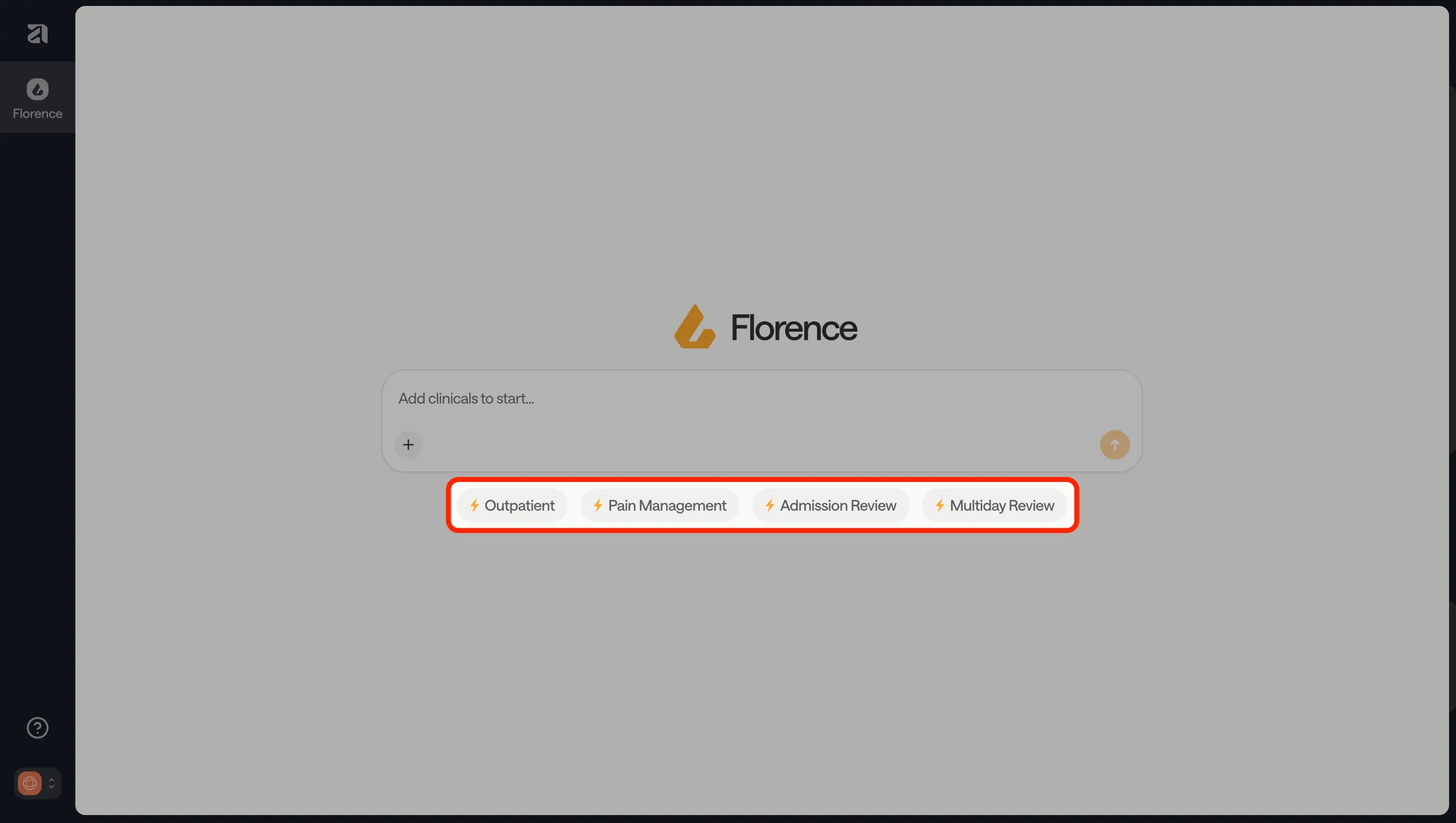
Find the Templates section in your dashboard; they are located below the FloNotes chatbox. (Note: For details of the questions included in each template, see the article "What's in each Template?")
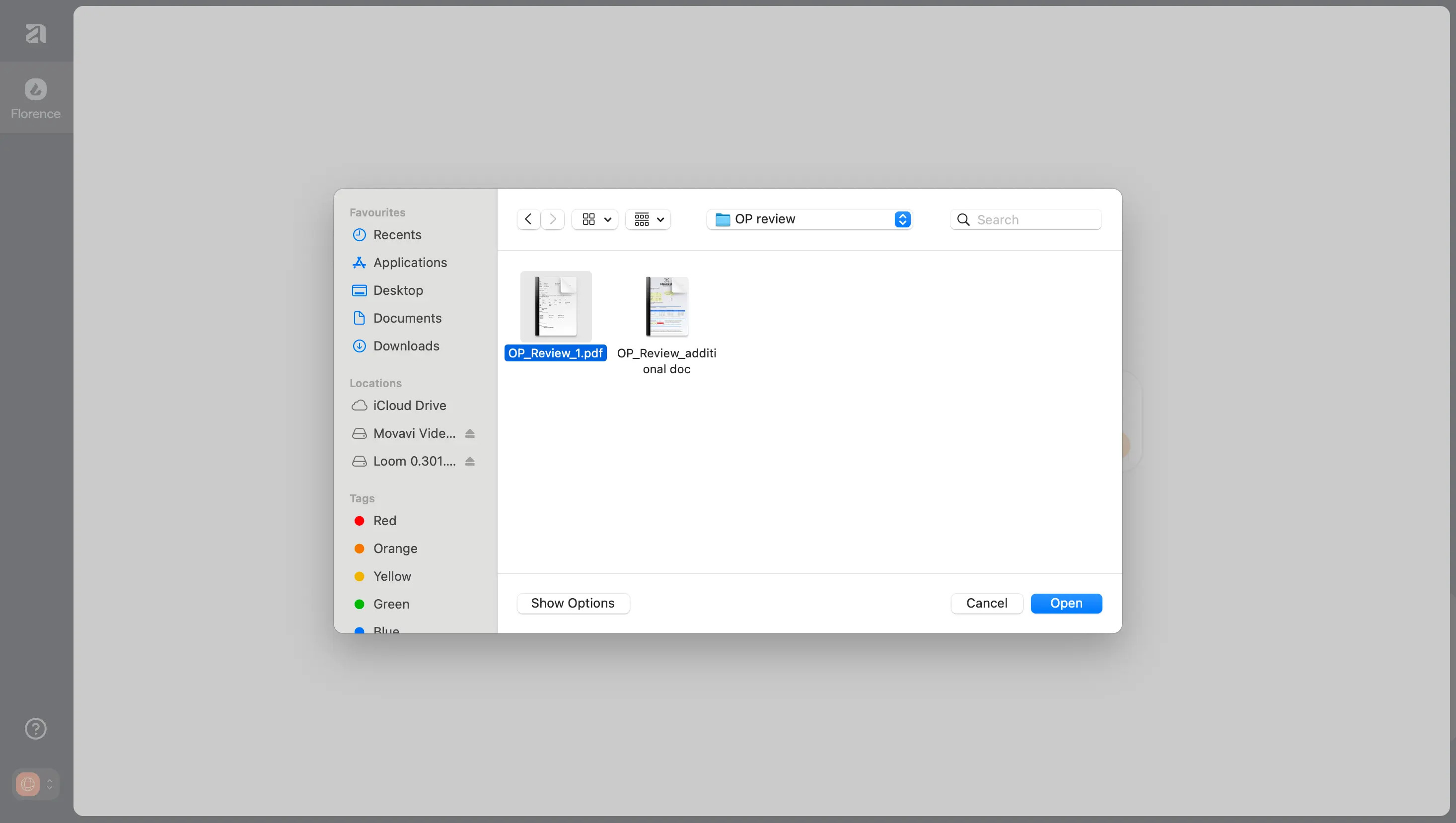
Select your chosen Template by clicking on it, and this will open up your files to review
You can select more than one document to upload by holding Shift key and selecting your documents. Then click “Open” to upload them. Alternatively, you can upload each document individually using the Plus icon, prior to selecting a Template.
Please note that documents should be in PDF format only, and the cumulative page count across all documents should not exceed 150 pages.
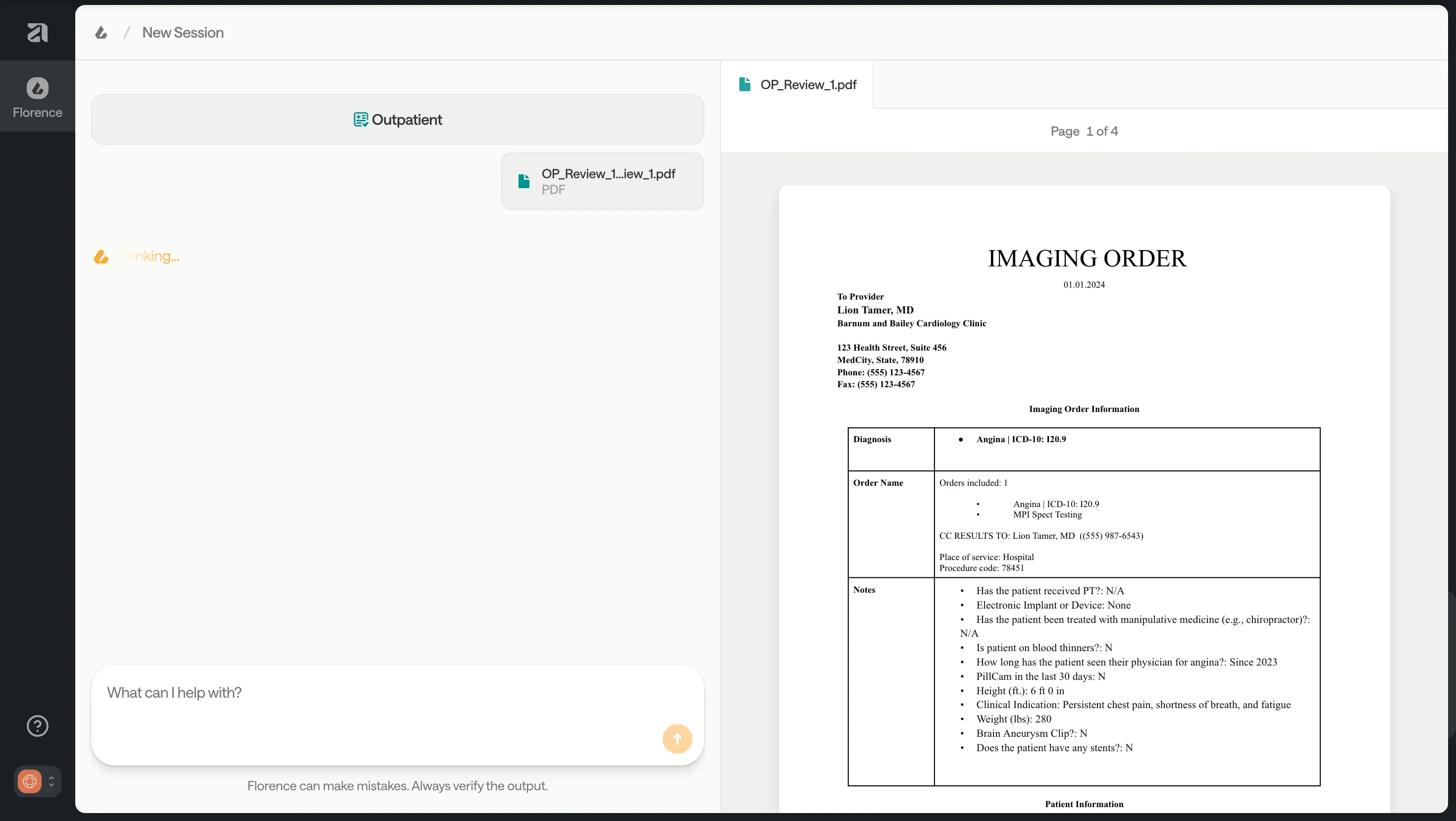
Once you’ve selected your documents, Florence (FloNotes) will process them against the template. (Note: Please note that longer documents will take longer to process!)
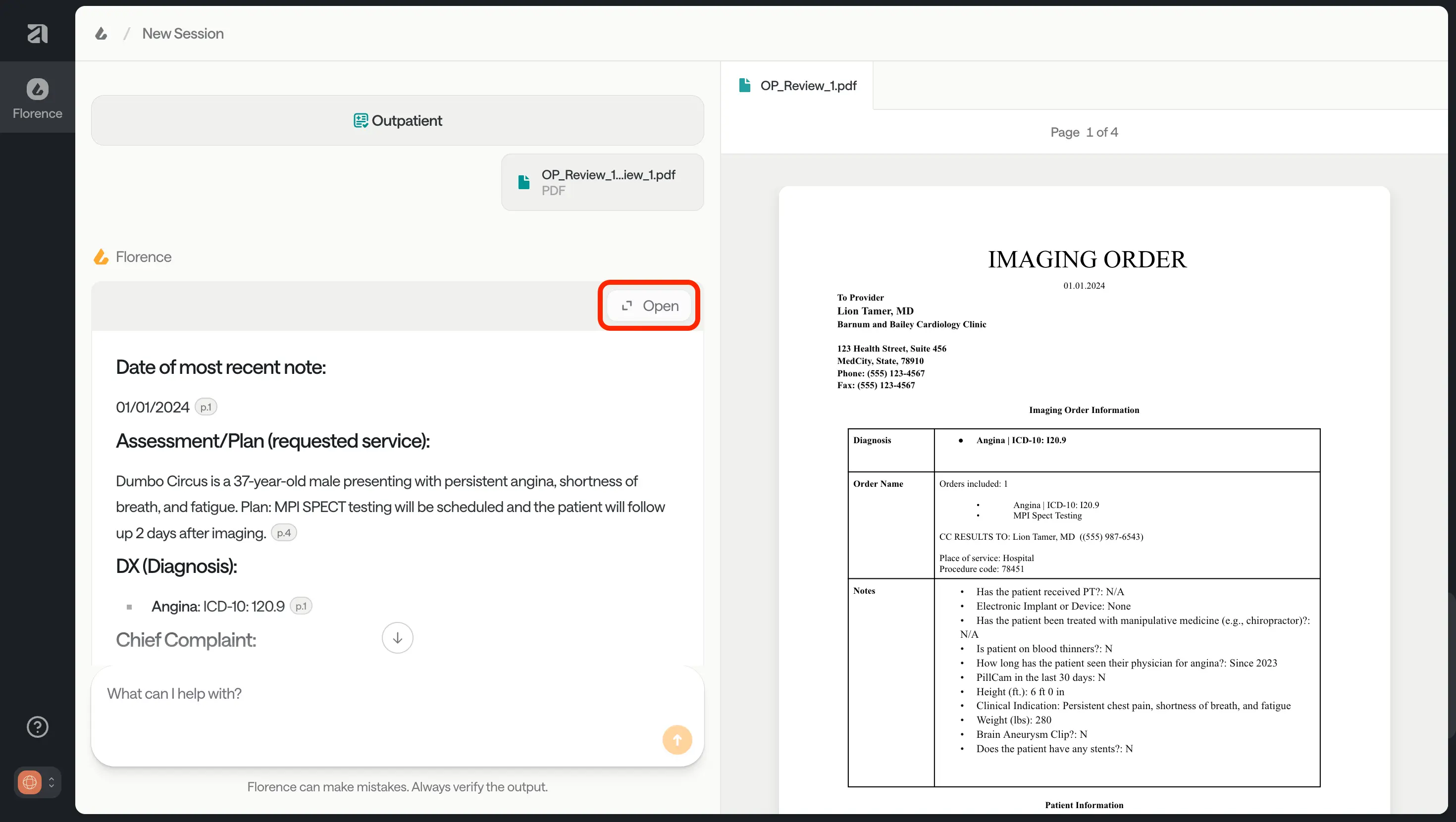
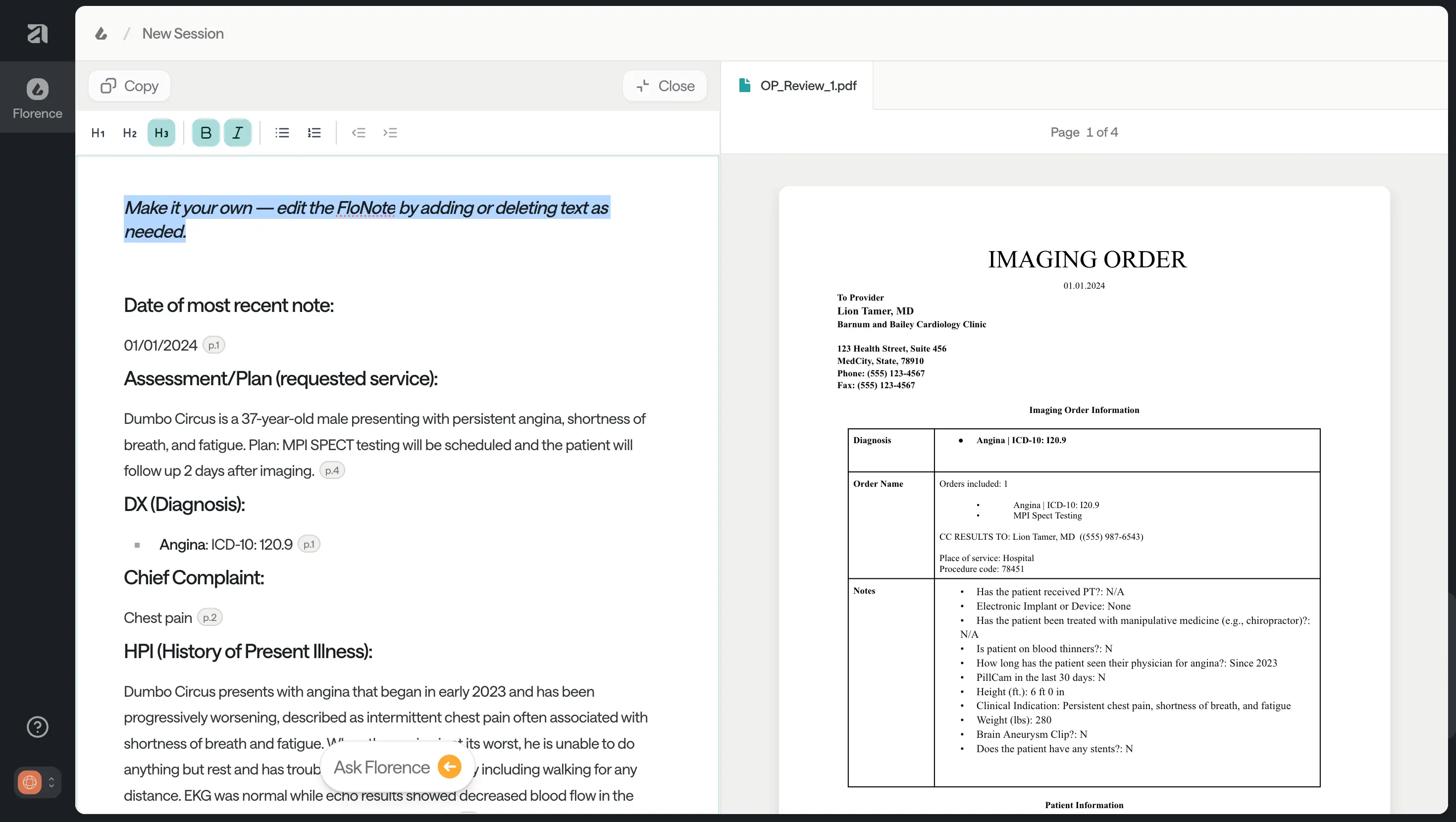
Once processing is complete, Florence generates a completed template called a FloNote.
Open the FloNote using the expand icon in the top right corner of the template (circled).
Click on the citations to see where Florence gathered the information from.
You can edit the FloNote to suit your needs, including adding more information or pasting Florence’s responses to your follow-up questions.
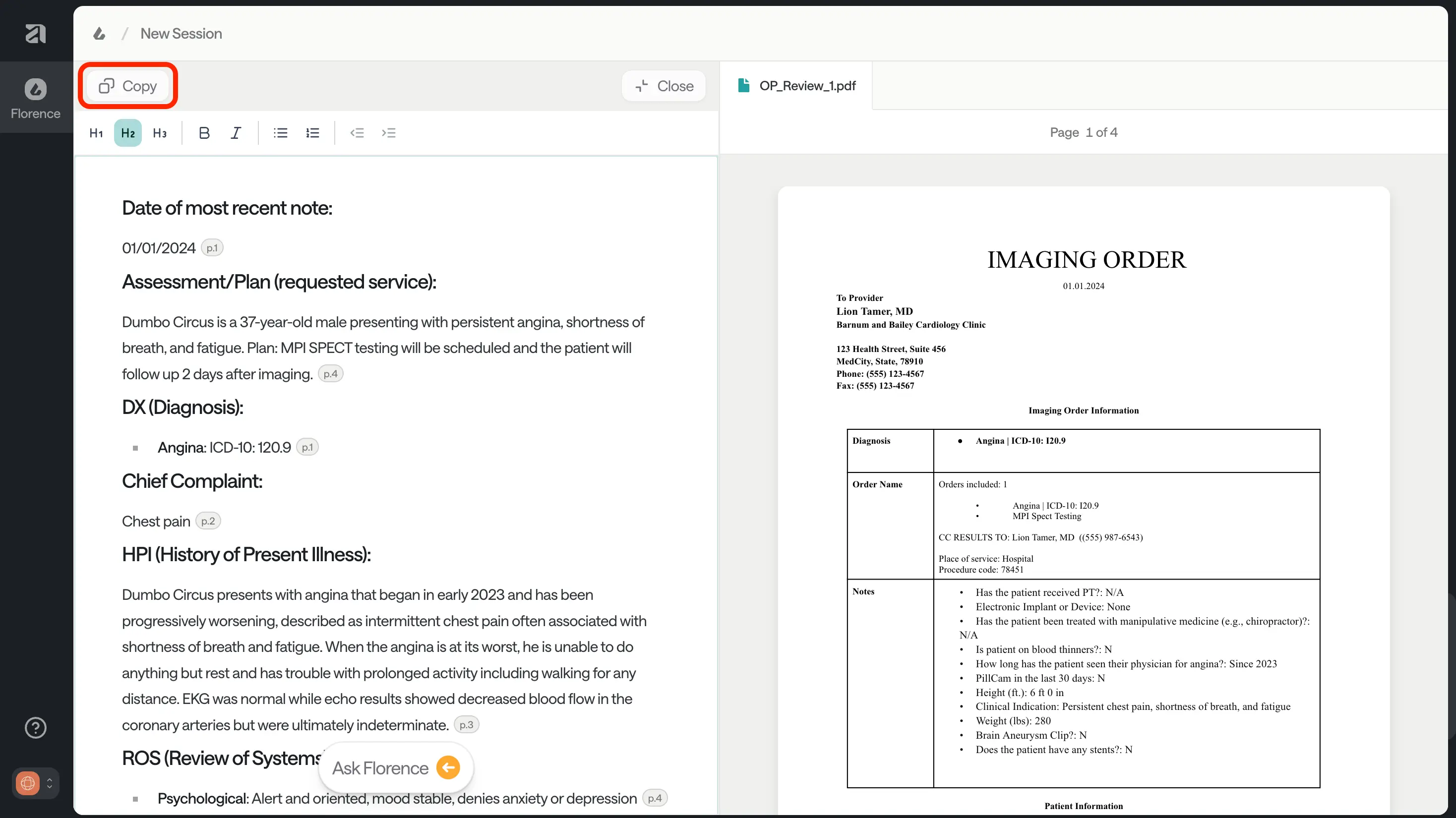
Edits aren’t saved when the FloNote is closed. Make sure you copy the FloNote into your internal system when you are finished editing.
Once you are happy with this FloNote, press the Copy button to paste it into your internal system.
When you paste a FloNote into your internal system, you’ll see that a URL is automatically added at the top of the note.This link has two important uses:
Return to your FloNote session – Clicking the link takes you back to your full FloNote history, so you can pick up or review the chat with Florence.
Share with colleagues – You can copy and send this link if you need a second opinion or want someone else to review the same case.
Best Practices for Using Templates
FloNotes templates have been built and tested by the Anterior team to support specific clinical review types. Please be diligent and ensure templates are used as intended.
✅ Always review Florence’s output before using it - confirm the information is accurate and complete. ❌ Do not use templates for MNR - the platform is not configured to handle MNR workflows. ✅ Use each template only for its intended review type (e.g., Outpatient, Admission, Multi-Day, Pain Management). ❌ Do not use templates for other use cases -Specific templates like NICU, Rehab, or Behavioral Health are being scoped by your Anterior team but are not yet supported. 💬 If unsure which template to select, reach out to the Anterior team for guidance before proceeding.